Universal brand support
Compatible with almost every major smart TV — Samsung, LG, Sony, Vizio, Roku, Fire TV, Hisense and TCL — from a single, familiar interface.
 TV Remote
Compatible with almost every major smart TV — Samsung, LG, Sony, Vizio, Roku, Fire TV, Hisense and TCL — from a single, familiar interface.
No codes, no pairing dance, no IR blaster. Put your iPhone and TV on the same Wi‑Fi and the app finds your TV automatically.
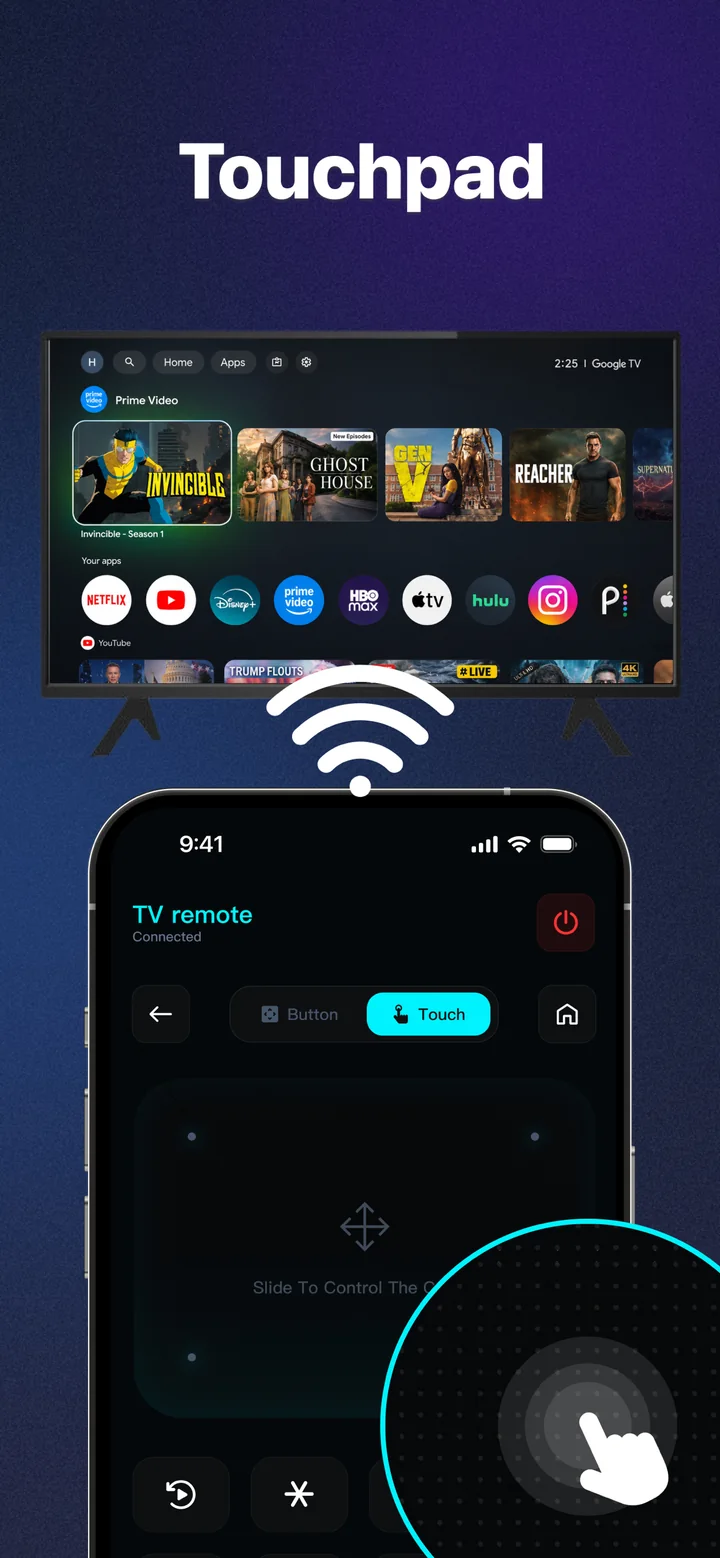
Ditch the clunky arrow buttons. Glide through menus and apps with a large, responsive touchpad that reads natural swipes and taps.
Volume, channels, mute, and power on or off — high‑performance buttons designed for confident, one‑handed use.
Jump straight into your favourite streaming apps on the big screen with a single tap, instead of hunting through the TV grid.
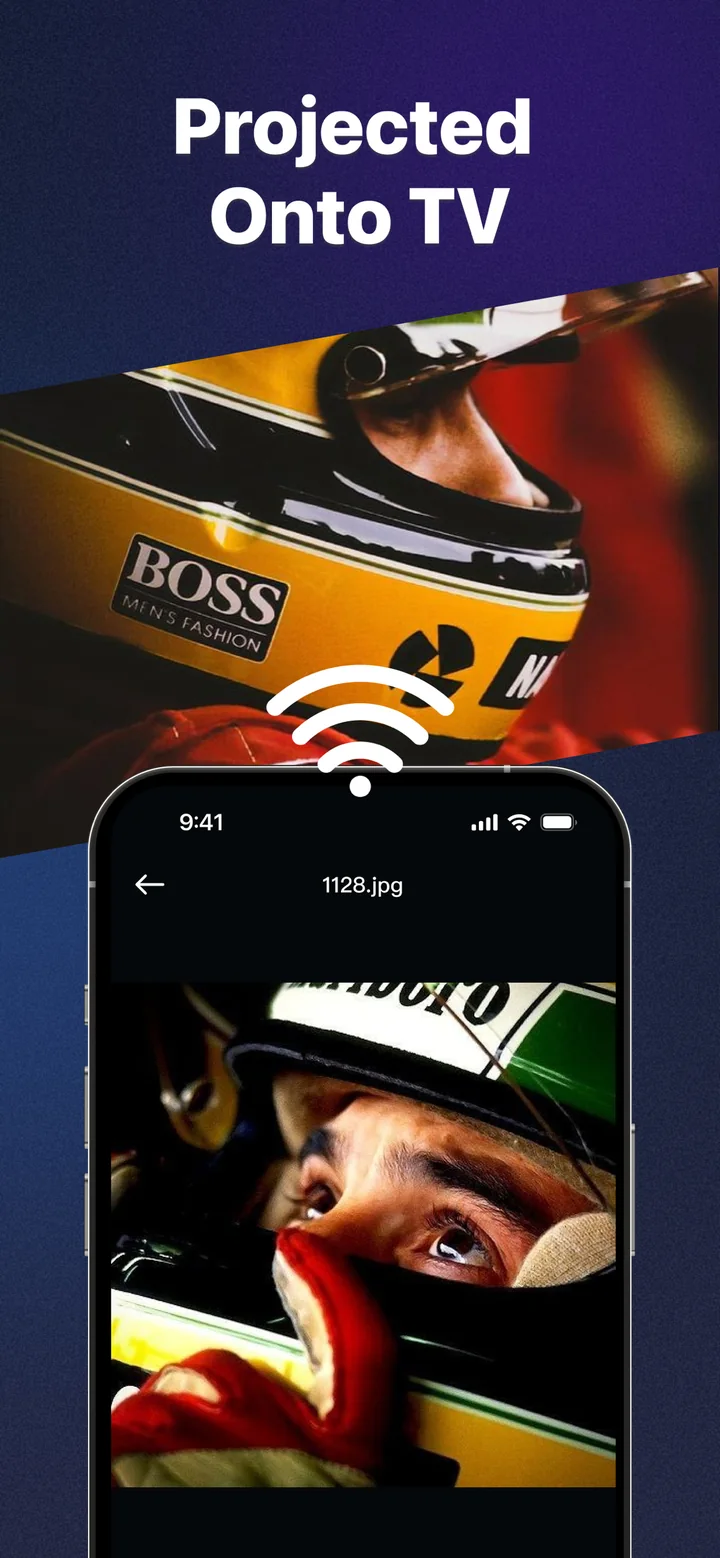
Send photos, videos and what is on your phone to the TV, so everyone in the room can watch on the big screen.
The hardware remote gives you four tiny arrows. TV Remote gives you a full gesture surface — swipe to move, tap to select, and a clean layout for the buttons you press most.
Share holiday photos, a viral clip, or your latest highlight reel on the biggest screen in the house. Screen mirroring and casting make the living room the best seat in the house.
Download TV Remote: Universal Control and command your smart TV from the device that is already in your hand.
Free to download · In‑app purchases available